Making Sense of Logitech's Mouse Lineup
Logitech’s mouse lineup is no exception to the industry standard of using the most obfuscating naming scheme for their products, so for our own reference (as well as yours) here is a brief summary of all the mice currently offered on Logitech’s website.
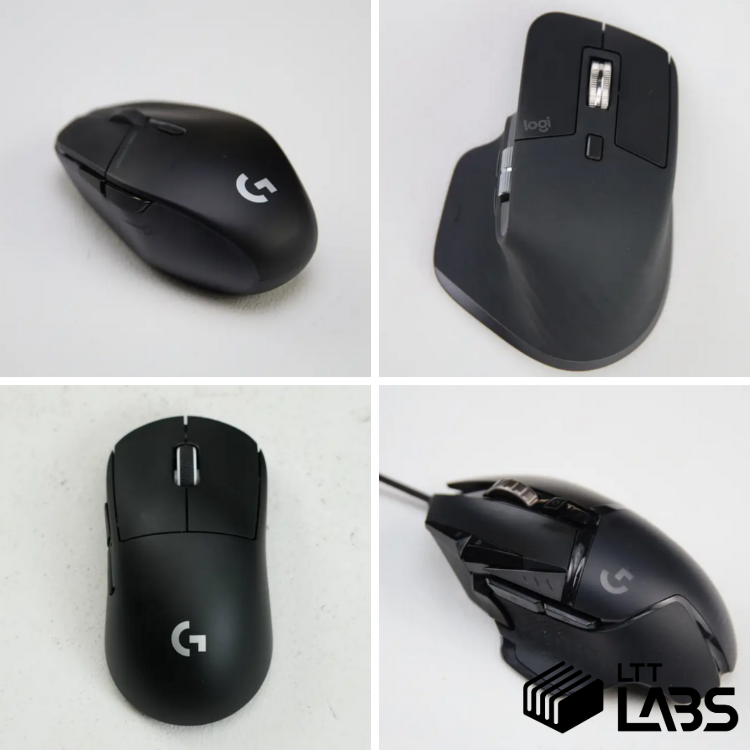
The “industry standard” of naming peripherals seems to be using the most obfuscating naming scheme possible. A “better-sounding” (usually higher number) series name does not always mean better hardware, and multiple series can overlap in price, sensors used, and the wireless tech implemented. Logitech’s mouse lineup is no exception, so for our own reference (as well as yours) below is a brief summary of all the mice currently offered on Logitech’s website.
We've collected links to Logitech's product pages as well as current prices in the tables below. Logitech has sponsored LTT in the past and we use affiliate links, but this article has no affiliation or input from Logitech. They've merely inspired this article with their product marketing.
Once you understand what each “series” is trying to do, the lineup becomes much easier to navigate. Below is a practical breakdown of the series Logitech uses, what each one is for, and all the mice in each series presented by Logitech, with differences between them highlighted. For simplicity, we have included all the mice from the series available on Logitech’s website, though there are some models available in other markets or marketplaces.
G Series – Mainstream Gaming
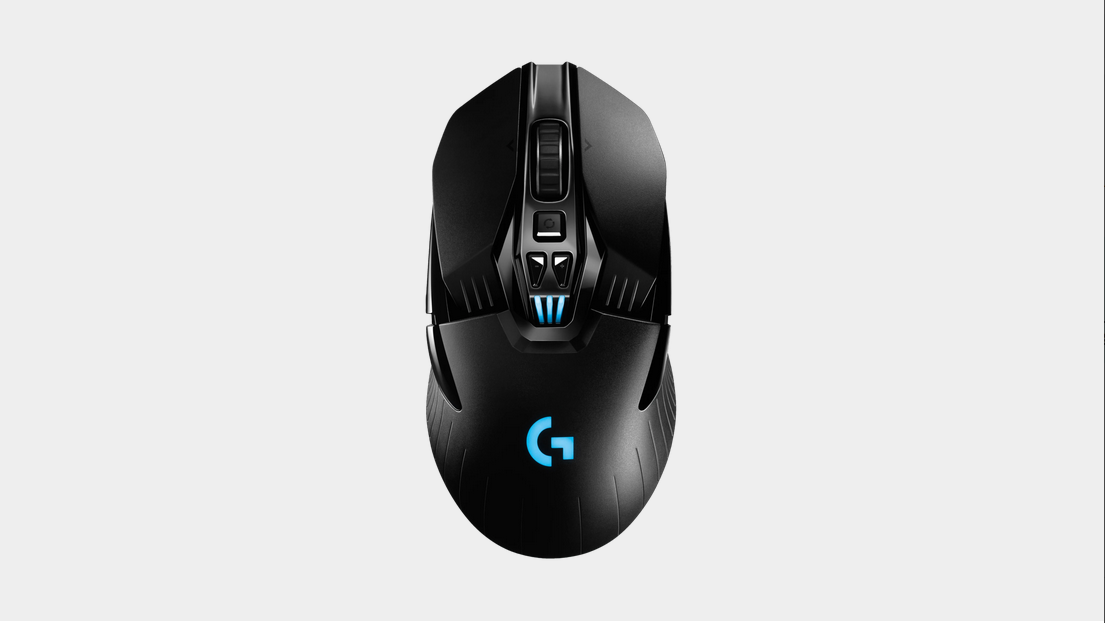
The G Series is Logitech’s broad gaming umbrella. This is where most of their gaming mice live, spanning from casual to enthusiast use. Performance is good across the board, but features, weight, and price vary significantly. They do follow some standard naming conventions:
- Lightspeed: This is Logitech’s proprietary 2.4GHz wireless technology that has proven quite reliable. If any name {{tooltip:The Pro series mice don’t have it in the name but they are all compatible with Lightspeed.}}in this section{{/tooltip}} is followed by Lightspeed it will be a 2.4 GHz wireless mouse. Otherwise, it will be a wired or Bluetooth only mouse.
- X: The X in the name indicates a “refreshed” version of the mouse that will typically have more modern sensors and switches.
- HERO: Some of the mice have a “HERO” in their description. This refers to Logitech’s 25K Hero sensor.
- GXX: This is the base model and shape family. The G5 Series being the most popular has a lot of variants but generally:
- Lower numbers like G203 are entry-level and simpler.
- Mid numbers like G305/G403 target gamers who want better performance and functionality.
- High numbers like G502/G903 are generally feature-heavy, more expensive or target a certain niche.
|
Mouse |
Current Price [USD] |
Key Differentiators |
|
||
|
||
|
||
|
||
|
||
|
||
|
||
|
||
|
||
|
||
|
||
|
PRO Series – Competitive & Esports
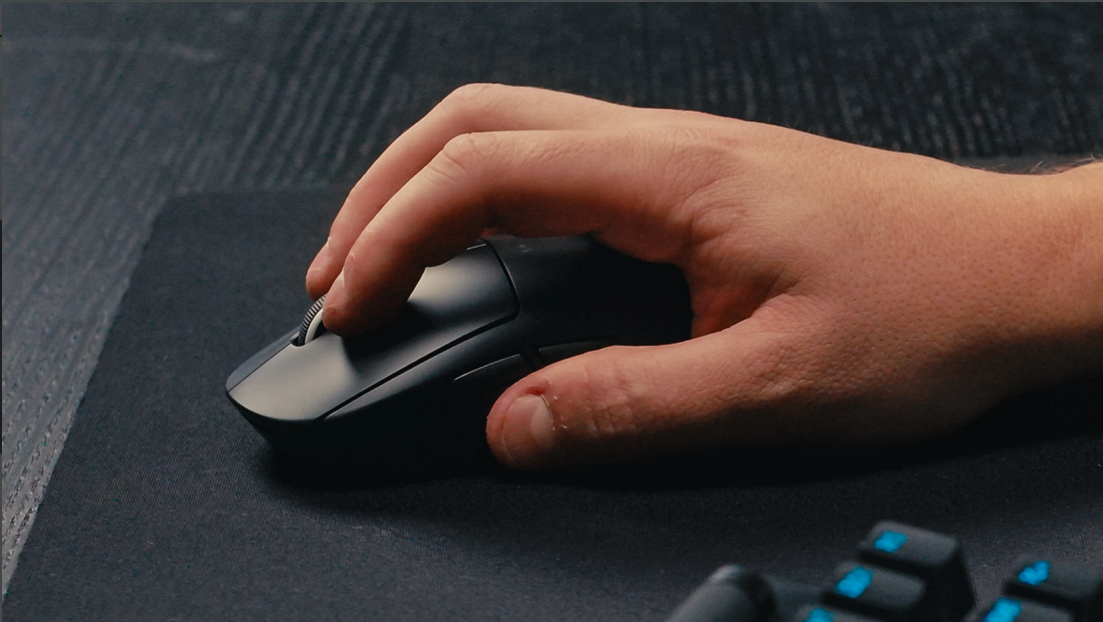
The PRO Series is where Logitech goes all-in on competitive performance. These mice are designed with esports players in mind, focusing on low weight, low latency, and consistency. Features that don’t directly help performance are removed.
|
Mouse |
Current Price [USD] |
Key Differentiators |
|
||
|
||
|
||
|
||
|
$179.99 |
|
Master Series – Productivity Power Tools
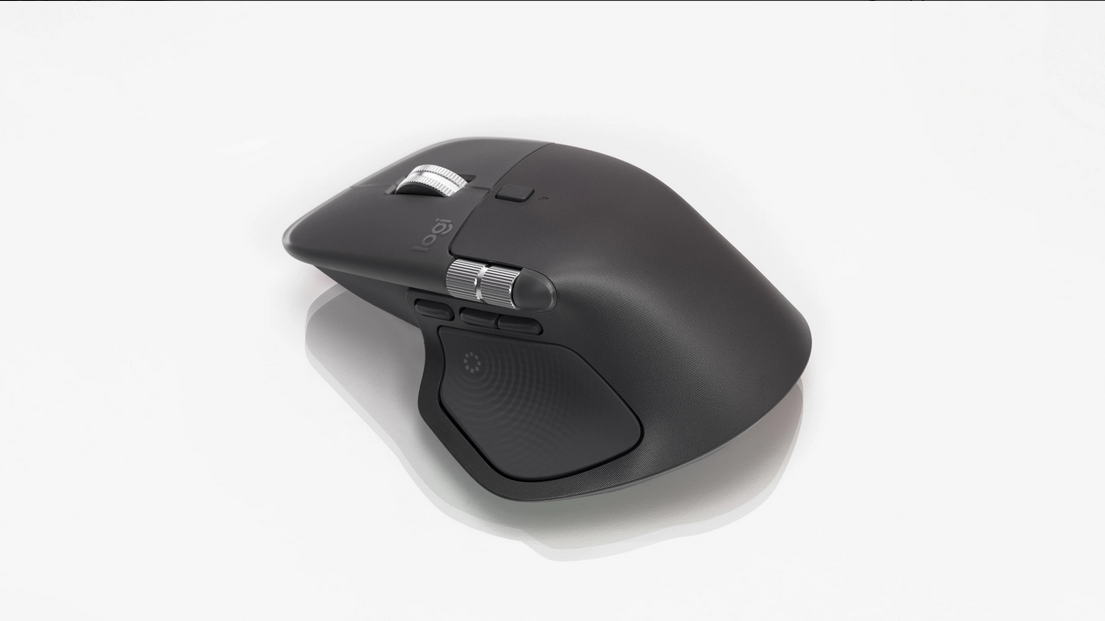
The Master Series is completely separate from gaming. These mice are built for workflow efficiency, multitasking, and creative work. They prioritize software features like macros, customization, multi-device pairing, scroll wheel tilt, more buttons, and other productivity features over raw sensor and latency performance. A thing to note here is that Logi Bolt is a proprietary BLE wireless communication technology which helps with signal coherence and more reliable pairing. We wrote an article exploring the difference between Bluetooth and Bolt in the (at the time) new MX Master 4.
|
Mouse |
Current Price [USD] |
Key Differentiators |
|
||
|
||
|
||
|
||
|
Ergo Series – Comfort Above All Else
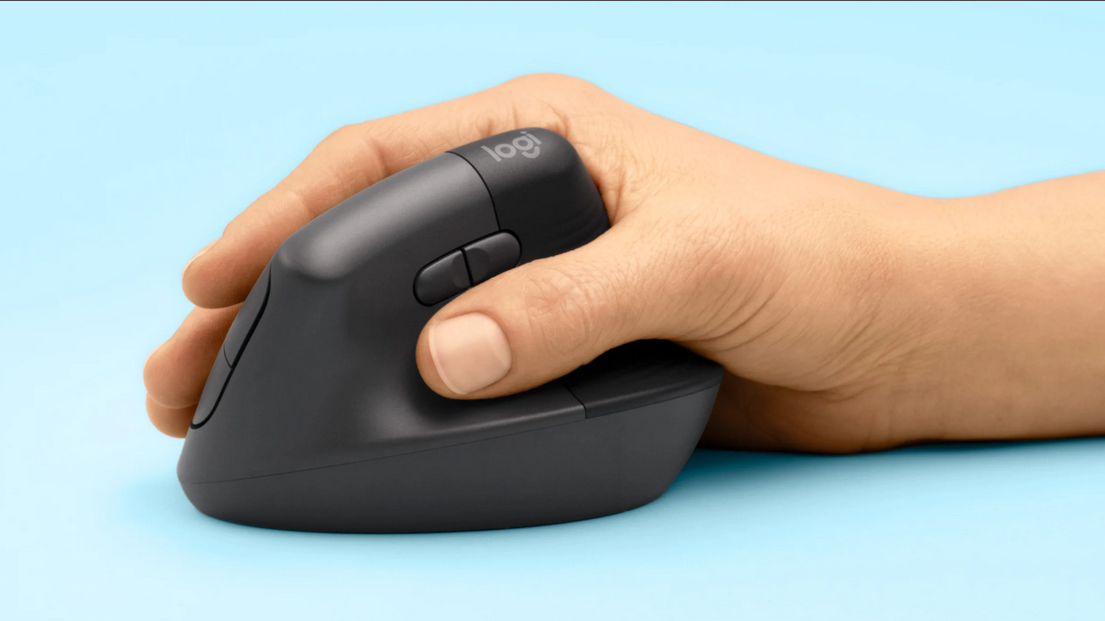
The Ergo Series is built around hand posture and long-term comfort, not speed or precision. These mice use tilted/vertical designs to reduce wrist strain, often at the cost of compactness, weight, and/or gaming performance. All these mice are wireless.
|
Mouse |
Current Price [USD] |
Key Differentiators |
|
||
|
Signature Series – Everyday Use
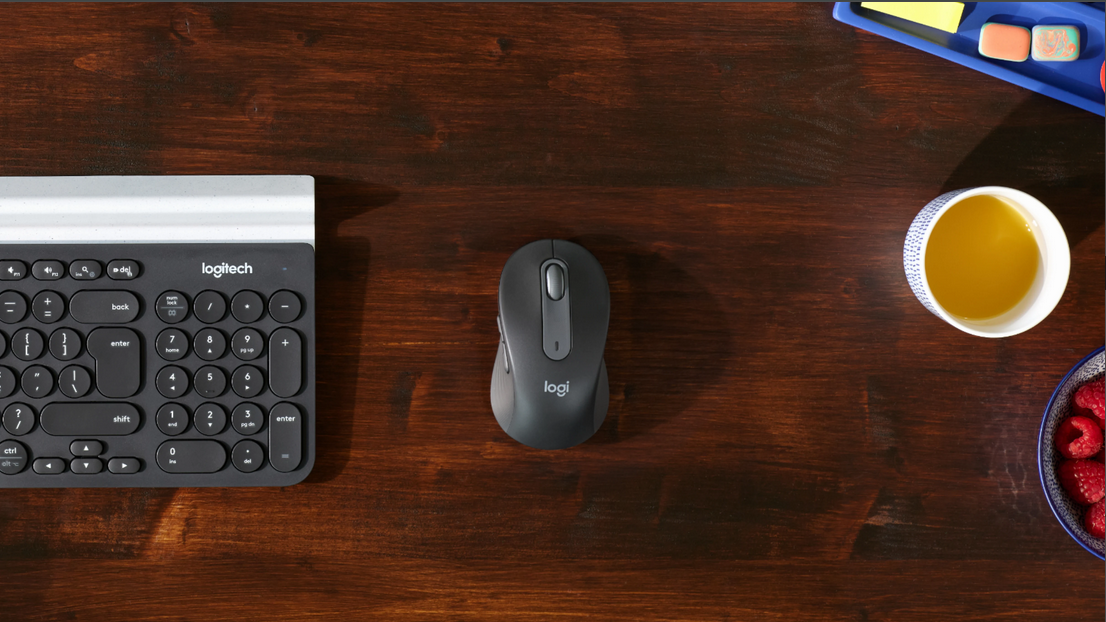
The Signature Series sits at the casual end of Logitech’s lineup. These mice are meant to be simple, affordable, and visually appealing, without leaning into gaming or productivity extremes. There is currently only one model in this series listed on the website but there are more. In this series a higher number means better.
|
Mouse |
Current Price [USD] |
Key Differentiators |
|
We hope this helps in your endeavours to find the mouse you're looking for! Here is the detailed comparison bin for all the Logitech mice we have tested so far to aid you in your quest.